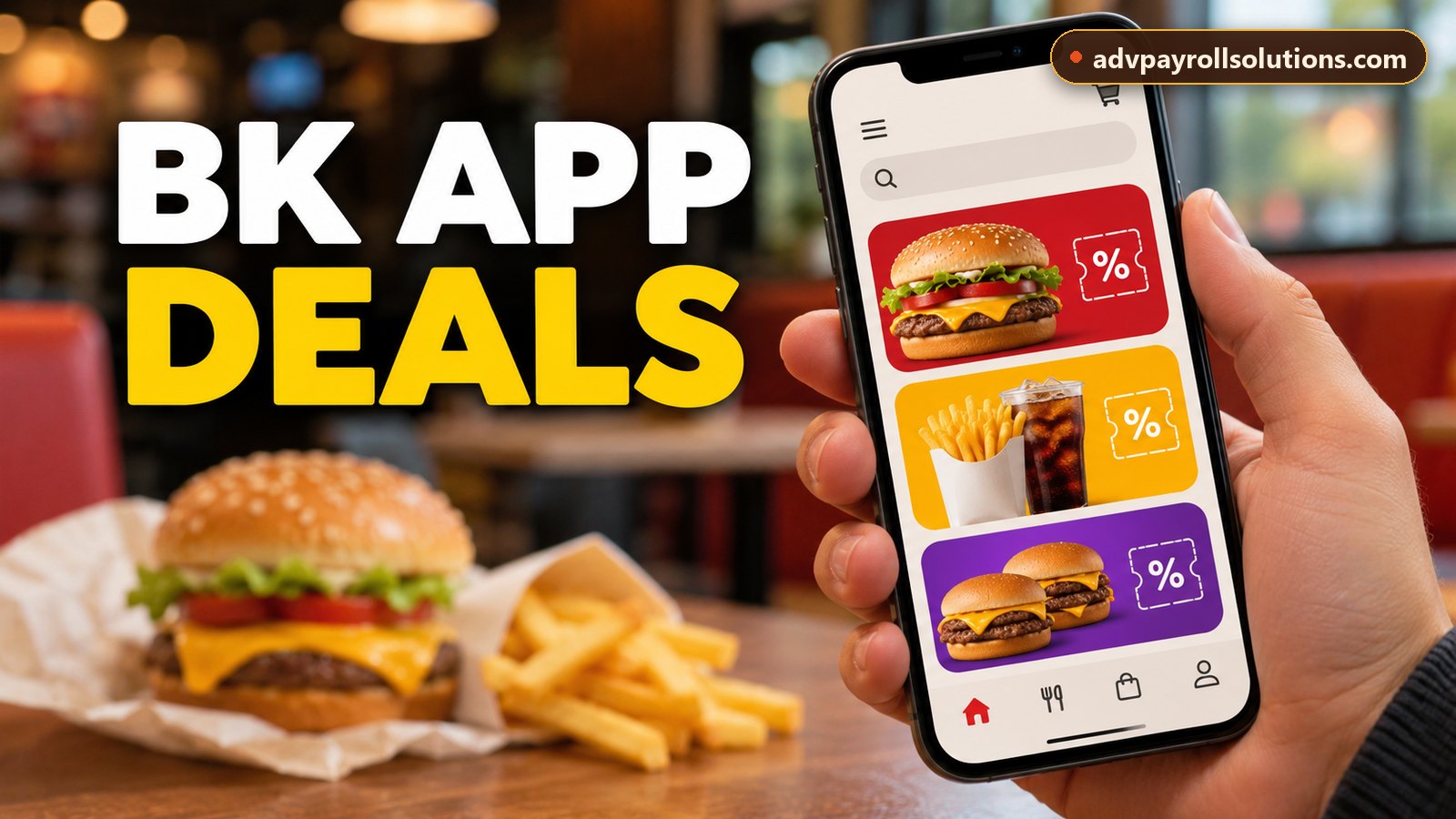
- Most Burger King discounts live in the Offers section of the free BK app.
- In the restaurant, open the offer right before you order, because the code is short-lived.
- Expect one offer per order, so pick the one that saves the most.
In this guide
Paper coupons used to be how you saved at Burger King. Now nearly all the good deals are in the BK app, and Royal Perks members see a few extra ones on top. Below: setting the app up, finding the offers, and redeeming them without the code timing out at the drive-thru speaker.
Setting up the app
- Download the official Burger King app from the App Store or Google Play. Check that the developer is Burger King before installing.
- Create an account and join Royal Perks if you’re prompted.
- Choose your usual restaurant, because offers and prices can vary by location.
- Allow notifications if you want alerts about new deals.
Download the official BK app
It’s free on iPhone and Android and includes offers, Royal Perks rewards and mobile ordering.
Links open the official store listings. We are not affiliated with Burger King, Apple or Google.
Finding offers
Open the Offers section to see the current deals for your account and restaurant. Some offers are available to everyone, while others are personalized or reserved for Royal Perks members. Offers rotate regularly, so it pays to check before every visit rather than assuming last week’s deal is still there.
Redeeming an offer
For mobile orders
Add the offer to your order in the app, check that it shows up in your cart with the discounted price, and complete the order for pickup, or for delivery where the offer allows it.
In the restaurant or drive-thru
Choose the offer and pick the in-restaurant option. The app shows a code that you give to the cashier, read out at the drive-thru or scan at the kiosk. These codes are usually valid only for a short time, so open the offer when you’re about to order, not while you’re still in the parking lot.
Watch: Using Coupons in the BK App
Offers vs. Royal Perks rewards
Offers are discounts on something you buy, while rewards are items you pay for with Crowns you’ve already earned. Before you spend Crowns on a low-priced item, check whether an offer already gives you the same item at a discount, and save your Crowns for a higher-value reward.
Can you combine offers?
In most cases you can use one offer per order. The terms of each offer in the app explain its limits, including whether it’s valid for delivery and whether the purchase also earns Crowns.
Quick checklist before you order
- Set the right restaurant before browsing offers.
- Compare the offer price with the regular combo price.
- Redeem in-restaurant offers right before ordering.
- Read the terms for minimum purchases and exclusions.
- Check your Crowns balance regularly so you don’t forget about rewards.
Looking for a code to use at checkout? See our Burger King promo codes and deals page.